Self-hosting ownMDM
ownMDM can run on your own infrastructure. Your fleet data, your device inventory, and your software repository stay on hardware you control, and no device information leaves your network.
This guide covers what you get, what you need, and how self-hosting differs from the hosted platform. The installation steps themselves live with the source, on GitHub — they change with each release, and documentation that drifts from the actual install is worse than none.
What the community edition includes
The community edition is the same application as the hosted platform, not a cut-down rebuild. Device management, the software catalog, saved filters, compliance, and MacStore all work exactly as described elsewhere in this wiki.
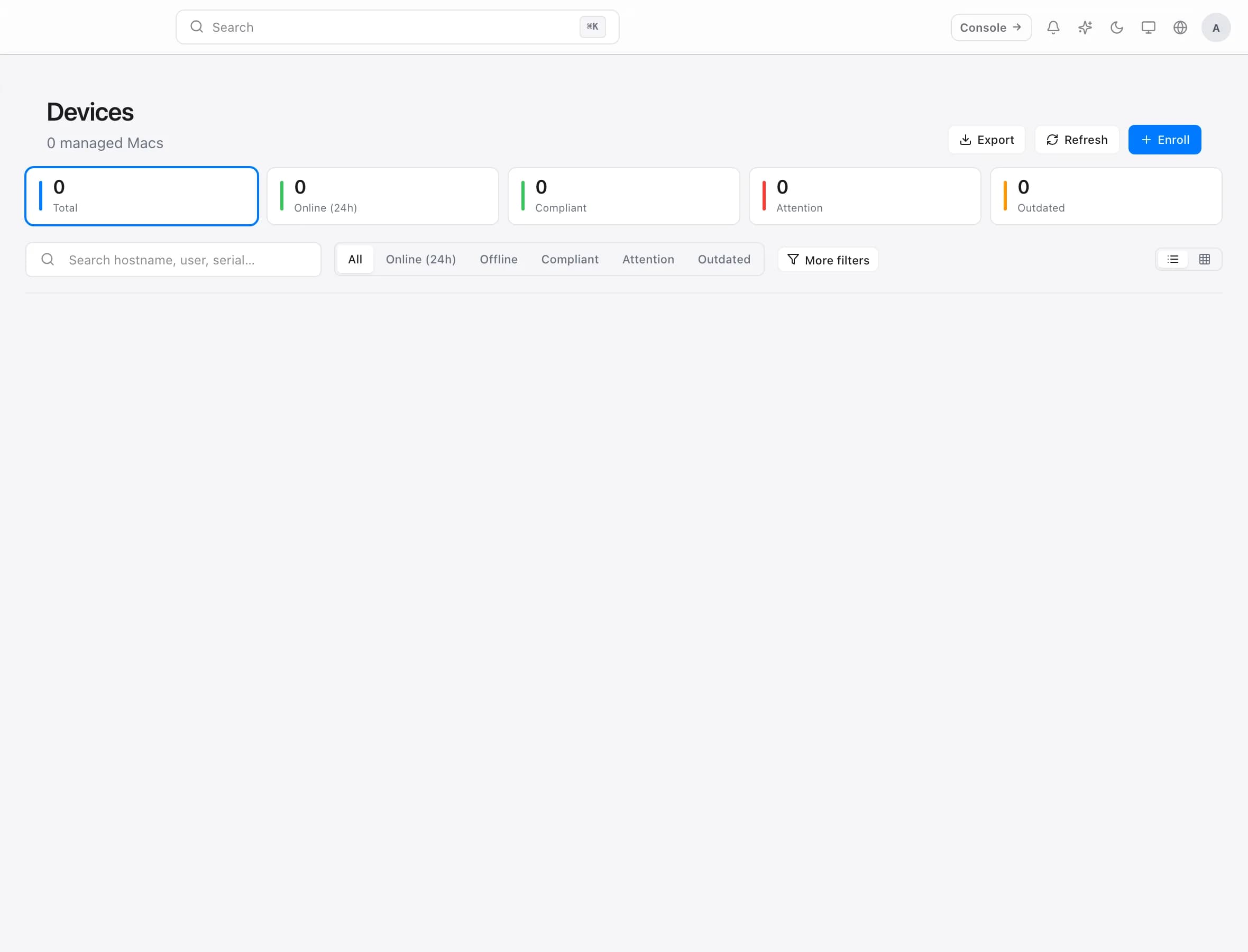
The one meaningful boundary is multi-tenancy. The community edition runs a single organisation — one site, with as many Macs as you like. There is no device cap.
That boundary is where it is on purpose. Managing separate, isolated customer fleets from one installation is what service providers need, and that is the commercial product. Running your own fleet — however large — is not.
What you need to provide
Self-hosting means you own the operating side of the system:
- A Linux server you administer, with container support.
- A domain name and a TLS certificate. Macs check in over HTTPS; this is not optional.
- Backups. Your device inventory and software repository are yours to protect. Nobody else is taking a copy.
- Updates. New releases are yours to apply, on your schedule.
None of this is exotic, but it is real work. The honest comparison with the hosted platform is not features — it is whether you would rather own the operations or pay someone else to.
Where your Macs connect
Every managed Mac needs to reach your server over HTTPS to check in. That is the entire network requirement — there is no inbound connection to the Mac, no VPN requirement, and no dependency on the machine being on your office network.
For laptops that leave the building, this means your server needs to be reachable from the internet, not only from your LAN. A server only reachable internally will manage desks and quietly lose track of every laptop the moment it goes home.
Licensing
The self-hosted edition is released under the Functional Source License 1.1 with an Apache 2.0 future grant (FSL-1.1-Apache-2.0). In plain terms:
- You may use, modify, and self-host ownMDM for your own organisation.
- You may not offer it to others as a competing commercial product or service.
- Each release becomes Apache 2.0 two years after it is published.
If you are running ownMDM to manage your own Macs, the licence is not something you need to think about. If you intend to build a service on top of it, talk to us first.
The exact terms ship with the source. The summary above is a description, not the licence itself.
Moving between hosted and self-hosted
The two run the same application, so moving is a question of data rather than compatibility. Your device inventory, catalog, and settings can be exported and restored.
Macs are the part that needs planning: each one is configured to check in with a specific server. Moving the fleet means re-pointing the machines, and it is worth doing in batches — a group at a time, confirming each has checked in with the new server before moving the next.
Troubleshooting
Macs enrol on the network but never check in from outside. The server is not reachable from the internet, or the certificate is not valid for the name the Macs were given.
Certificate errors on check-in. Macs will not check in over an untrusted connection. A self-signed certificate is not sufficient unless you have distributed the trust for it.
Enrolment fails only for some Macs. Almost always the network path rather than the machine — compare a working and a failing Mac's route to the server before investigating the Mac itself.