The app catalog and requests
Your catalog decides what people can install for themselves. Get it right and most software questions stop reaching you at all — someone opens MacStore, installs what they need, and no ticket is ever created.
The three layers
Software reaches a Mac through three layers, each answering a different question:
- The shared library — apps ownMDM packages and maintains. What could we offer?
- Your catalog — what your organisation has adopted from that library. What do we allow?
- Department catalogs — narrower sets for particular teams. What does this team get?
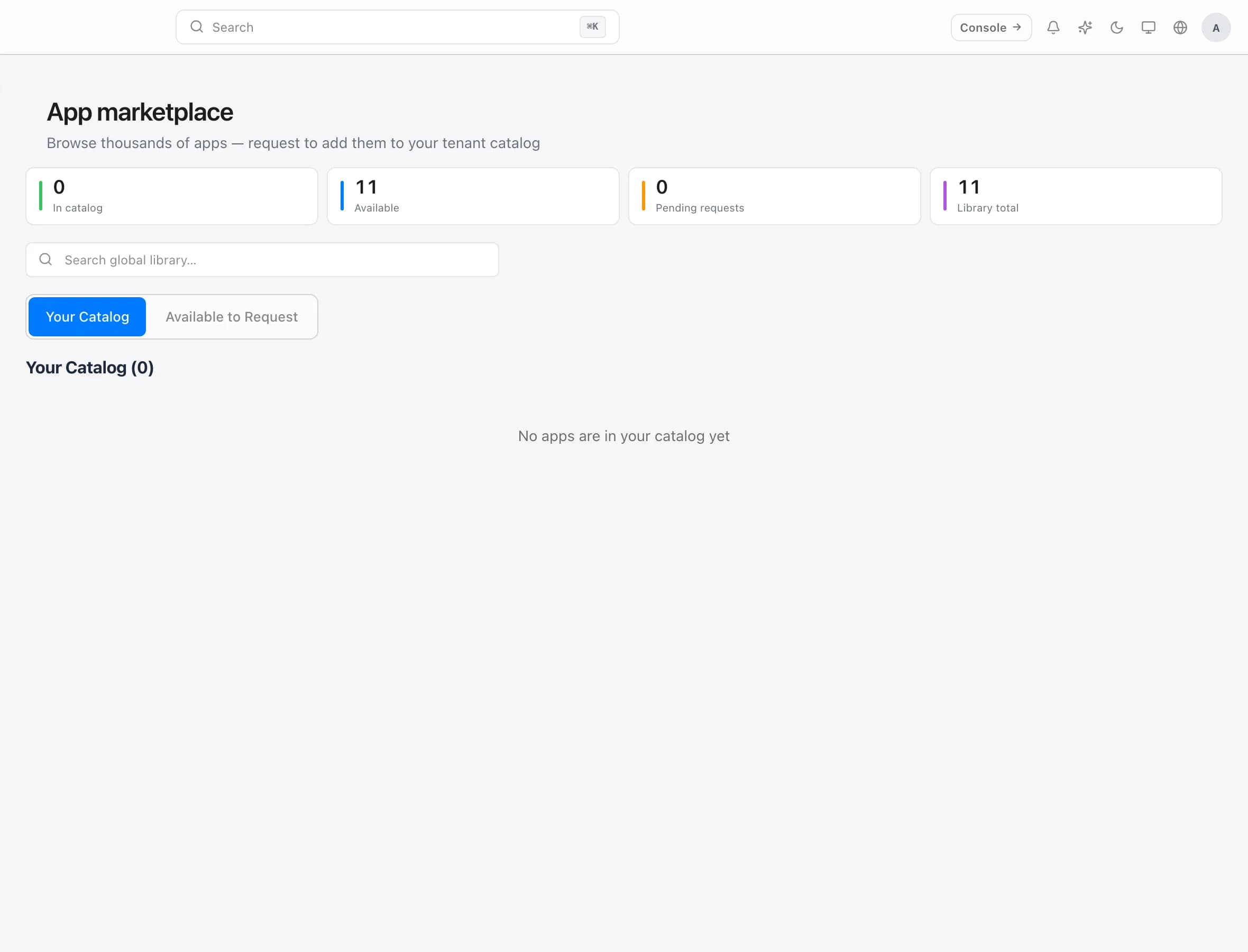
Adopting an app is not deploying it. It moves the app into your catalog so it can be made available — a separate, deliberate step from putting it on any machine.
Available versus installed
Two things happen to an app, and keeping them apart is what makes a catalog manageable:
Available means someone can install it themselves from MacStore. Nothing is installed, nothing changes on any Mac, and no one is interrupted.
Installed means you have approved it for a machine and it will arrive on the next check-in, whether or not anyone asked.
Prefer available wherever you reasonably can. It removes the support ticket without removing the person's choice — and it does not put software on machines that will never use it.
Reserve installed for the things that genuinely must be present everywhere: security tooling, your VPN client, whatever your organisation actually requires.
What people see
On the Mac, MacStore shows exactly what you have made available to that machine — nothing more. There is no admin password, no ticket, and no waiting.
Anything not in their catalog can be requested. The request arrives in the console with the app and the machine it came from.
Handling requests
A request has two honest answers, and the choice is about scope rather than approval:
This device makes the app available to the machine the request came from. The right answer for a genuinely individual need — one designer wanting one tool.
Everyone adds it to the site-wide catalog, so anybody can install it. The right answer the third time the same request arrives; at that point it is not an exception, it is something your organisation uses.
There is deliberately no per-person option. Availability belongs to the machine, not the account — so if two people share a Mac, they share its catalog. See How ownMDM works for why.
When a request arrives without a device attached, "this device" is not offered. That happens when the request came from somewhere the machine could not be identified, and approving it fleet-wide when you meant one machine is precisely the mistake worth preventing.
Keeping the catalog worth reading
A catalog is a menu. Menus stop working when they get long.
Adopt deliberately. Everything you adopt is something you have implicitly agreed to keep working. The shared library being large is not a reason for your catalog to be.
Prune what nobody installs. An app nobody has used in a year is noise between people and the app they actually want.
Let repeated requests promote themselves. Three requests for the same thing is your fleet telling you it belongs in the catalog. Requests are a signal, not just a queue.
Troubleshooting
Someone cannot see an app you approved. MacStore reads its catalog at launch, and the Mac only learns of the change on its next check-in. Both have to happen: check in, then reopen MacStore.
A request has no device attached. It came from a context where the machine could not be identified — approve it fleet-wide only if that is genuinely what you want.
An app is in the catalog but will not install. Check the machine's last check-in. An app that is available has still not been fetched until the Mac asks.